CELEBRATE YOUR CUSTOMERS WHEN THEY COMPLETE IMPORTANT ACTIONS
Desired Action Taken Automations are designed to recognize and reward your customers when they complete key actions that matter to your business. Whether it’s adding a birthday, interest or email, downloading your app, or having enough points to redeem a reward, these automated messages help you acknowledge your customers’ engagement in real time.
With Desired Action Taken Automations, you can celebrate and motivate your customers with timely, personalized outreach, ensuring they feel valued every step of the way.
If you’re interested in learning more about other Automations, such as Core Communication, Customer Milestone Reached, or Reminders, click below to discover how they can further enhance your customer engagement.
The Birthday Add Automation will display a prompt on the wallet and send a message to members who add their birthday to their member profile. Not to be confused with the birthday automation, the birthday add automation will allow you to incentivize and thank members for adding their birthday to their profile. This offer will only be sent once, even if the member removes their birthday and re-adds it.
Tips:
Set up a birthday automation as well if you want to automate a birthday message on your customer’s special day!
Let customer’s know about this offer/prompt them to add this info by sending a campaign with the recipient group ‘misc.-no birthday’
CREATING A BIRTHDAY ADD AUTOMATION
SELECT & NAME
Step 1. Select Birthday Add.
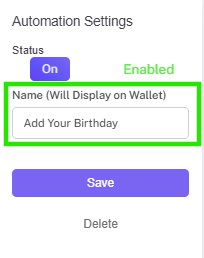
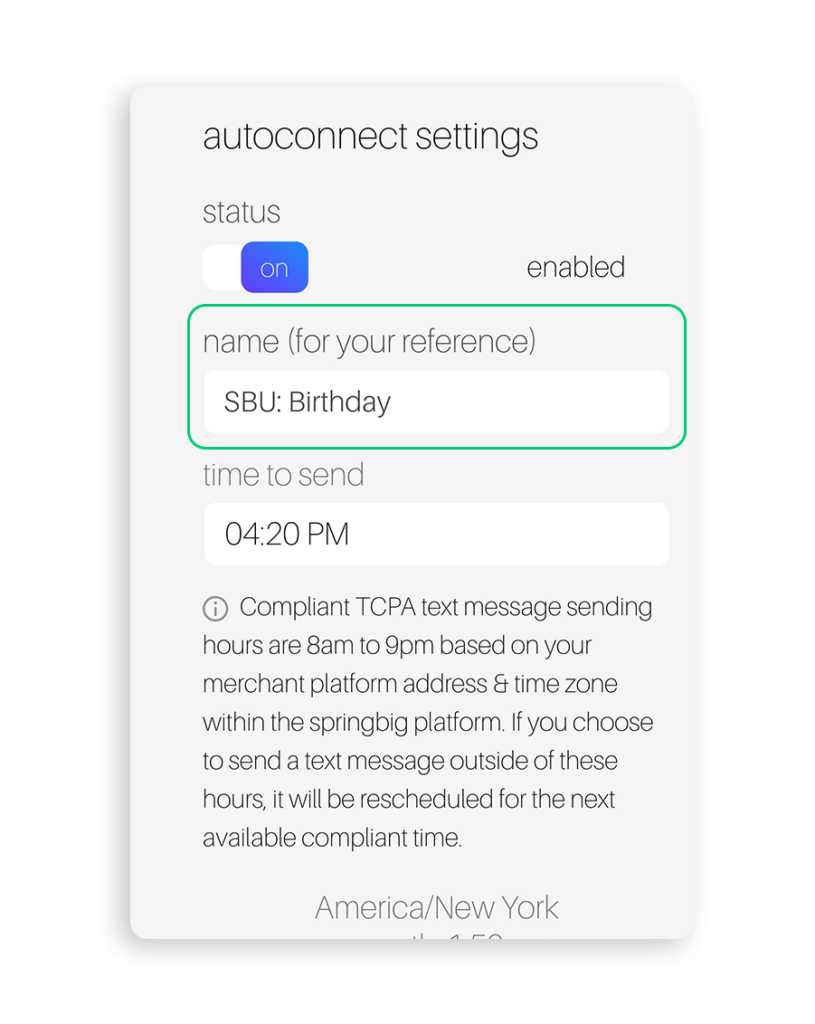
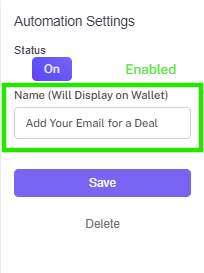
Step 2. Name your automation (this name will display in the wallet).
Create message
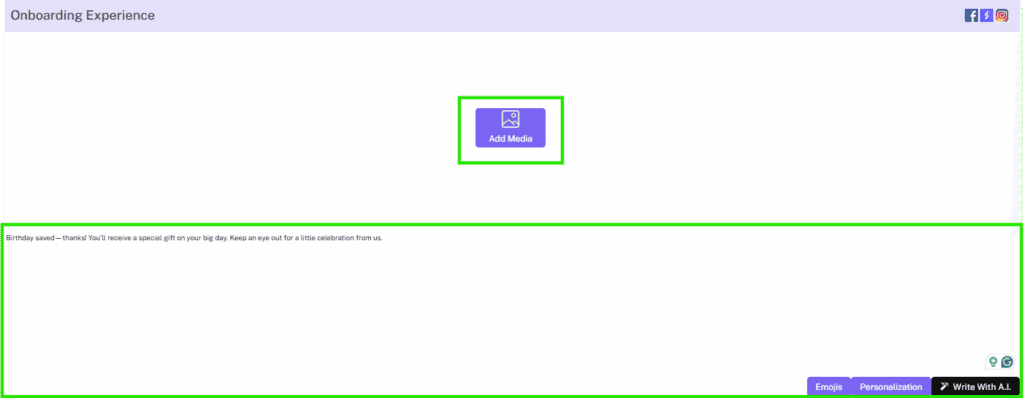
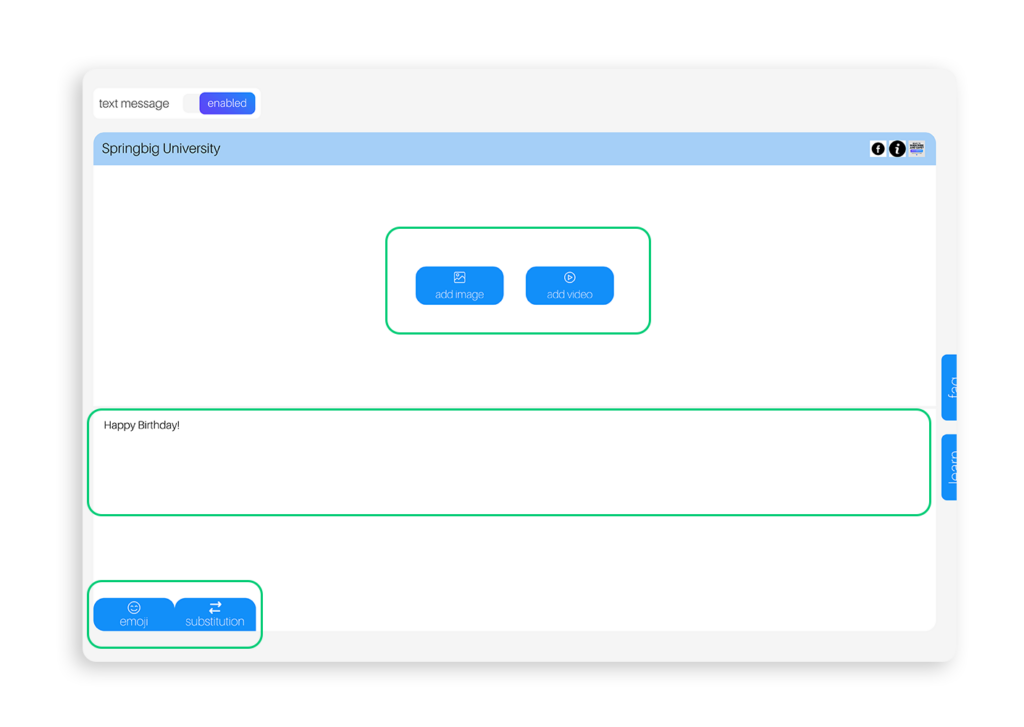
Step 3. Set up stashboard content with text as well as stashboard images, emojis, and/or value substitutions.
Step 4. Select a SMS notification message and (if desired) a MMS notification image.
Add extension & enable
Step 5. Set up an extension to add an offer if applicable (The text entered in the ‘offer for customer’ field will pop up in the wallet/app as an incentive to the member for adding their birthday).
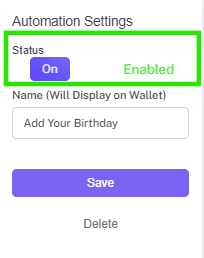
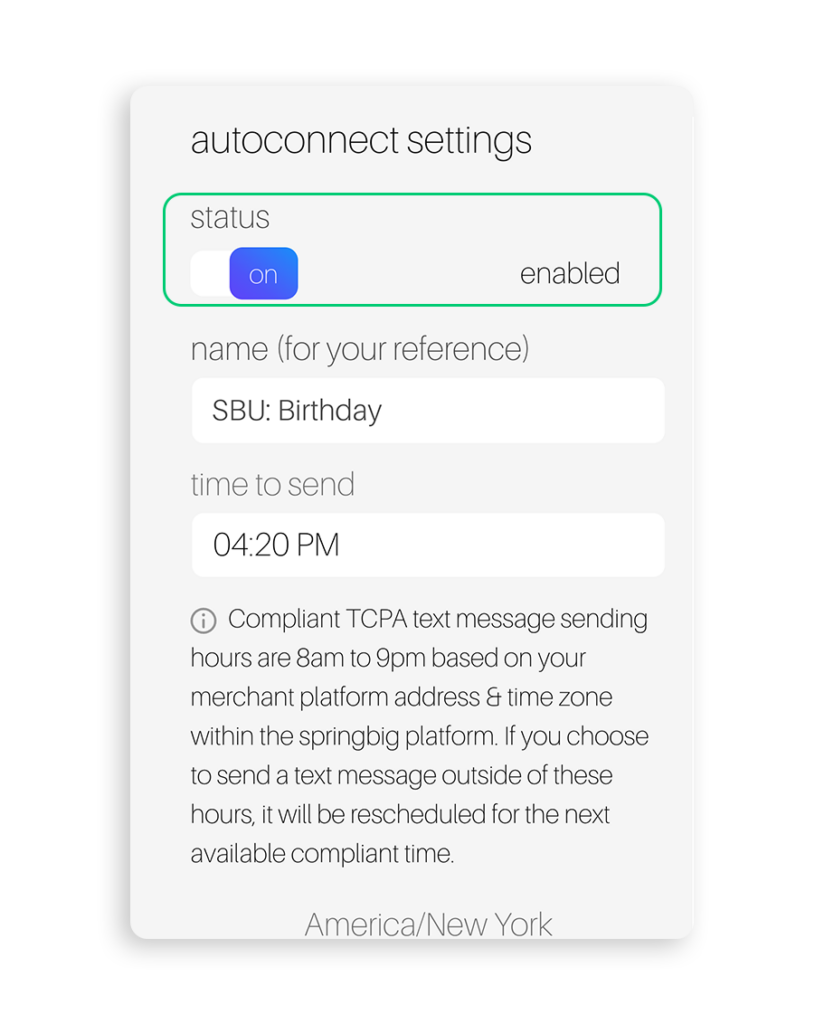
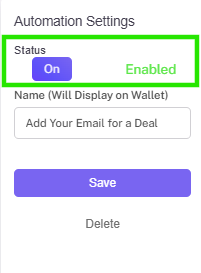
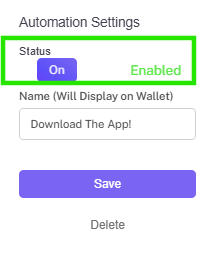
Step 6. Remember to toggle the automation to enabled when you are ready to go!
INTEREST ADD AUTOMATION
CELEBRATE YOUR CUSTOMERS
The Interest Add Automation will display a prompt on the wallet and send a message to members who define their interests on their member profile. Set up interests first in settings – groups – interests. Customers will earn the offer one time, not for every interest they add.
Tips:
Let customer’s know about this offer / prompt them to add this info by sending a campaign with the recipient group ‘misc – no interest’.
You can optionally create audiences for each interest type to offer unique offers for members based on the first interest they select.
Make sure to set an audience for all interests or create an audience with no filter as the lowest priority in case you add new interests / do not have an audience for each interest
For example: Create an audience with a filter of ‘top shelf flower’ and offer a discount on top shelf flower just for that interest group.
CREATING AN INTEREST ADD AUTOMATION
SELECT AND NAME
Step 1. Select Interest Add.
Step 2. Name your automation (this name will display in the wallet).
CREATE MESSAGE
Step 3. Set up stashboard content with text as well as stashboard images, emojis, and/or value substitutions.
Step 4. Select a SMS notification message and (if desired) a MMS notification image.
ADD EXTENSION & ENABLE
Step 5. Set up an extension to add an offer if applicable (The text entered in the ‘offer for customer’ field will pop up in the wallet/app as an incentive to the member for adding their interests).
Step 6. Remember to toggle the automation to enabled when you are ready to go!
EMAIL ADD AUTOMATION
ACKNOWLEDGE YOUR CUSTOMERS
The Email Add Automation will display a prompt on the wallet and send a message to members who add their email to their member profile. This offer will only be sent once, even if the member removes their email.
Tips:
Let customer’s know about this offer / prompt them to add this info in by sending a campaign with the recipient group ‘misc – no email’.
Creating an Email Add Automation
Select & name
Step 1. Select Email Add.
Step 2. Name your automation (this name will display in the wallet).
Create Message
Step 3. Set up stashboard content with text as well as stashboard images, emojis, and/or value substitutions.
Step 4. Select a SMS notification message and (if desired) a MMS notification image.
Add extension & enable
Step 5. Set up an extension to add an offer if applicable (The text entered in the ‘offer for customer’ field will pop up in the wallet/app as an incentive to the member for adding their email).
Step 6. Remember to toggle the automation to enabled when you are ready to go!
Reward Available Automation
REMIND YOUR CUSTOMERS
The Reward Available Automation will automatically send a message to members when they have earned enough points to redeem a reward.
Tips:
Set up multiple reward available automations with different point filters to send messages to your customers as they earn more points
Alternately, if you have customers with existing points and want to one send 1 message depending on their point balance, you can utilize audiences with ‘point balance’ filters to send unique messages to members that qualify for different rewards based on the amount of points they have.
Don’t forget to set an unfiltered audience as the lowest priority to target all members.
Creating a Reward Available Automation
Select & name
Step 1. Select Reward Available.
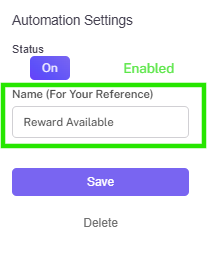
Step 2. Name your automation (this name is for internal reference only).
Create Message
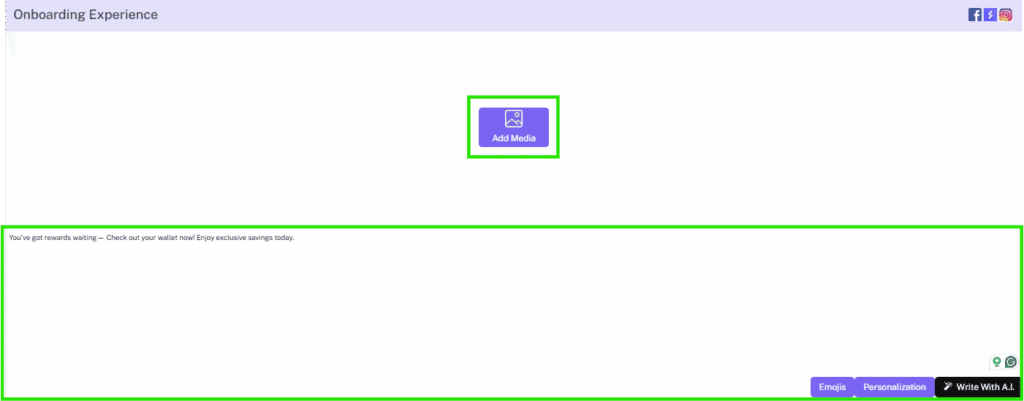
Step 3. Set up stashboard content with text as well as stashboard images, emojis, and/or value substitutions.
Step 4. Select a SMS notification message and (if desired) a MMS notification image.
Add extension & enable
Step 5. Set up an extension to add an offer or link.
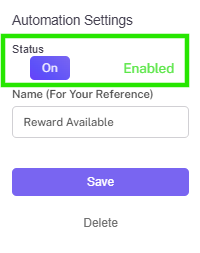
Step 6. Remember to toggle the automation to enabled when you are ready to go!
APP DOWNLOAD AUTOMATION
The App Download Automation will automatically send a message to members when they have downloaded the store’s custom app. Use this opportunity to offer a warm welcome, highlight app features, and provide exclusive rewards that encourage ongoing engagement.
Please note: This automation works for custom apps only.
WELCOME YOUR CUSTOMERS
CREATING AN APP DOWNLOAD Automation
Select & name
Step 1. Select the App Download autoconnect.
Step 2. Name your automation (this name will display in the wallet).
Create Message
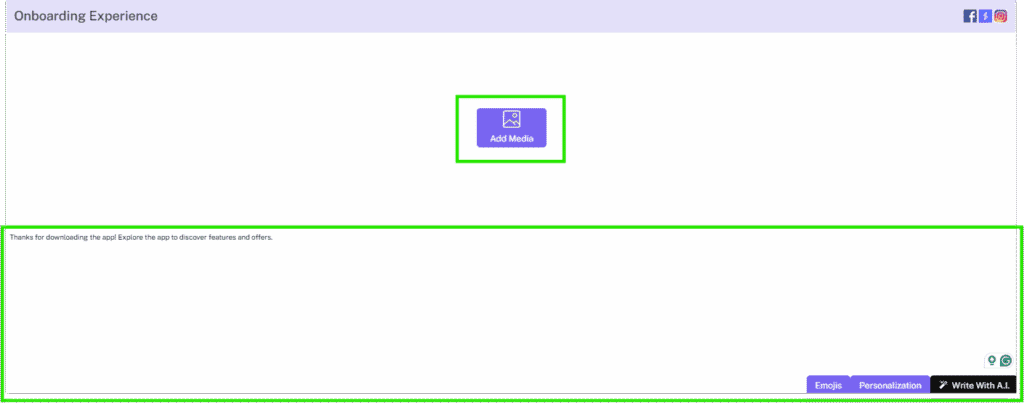
Step 3. Set up stashboard content with text as well as stashboard images, emojis, and/or value substitutions.
Step 4. Select a SMS notification message and (if desired) a MMS notification image.
Add extension & enable
Step 5. Set up an extension to add an offer or link.
Step 6. Remember to toggle the automation to enabled when you are ready to go!
For more information around the Customer Milestone Reached Automations, click below!