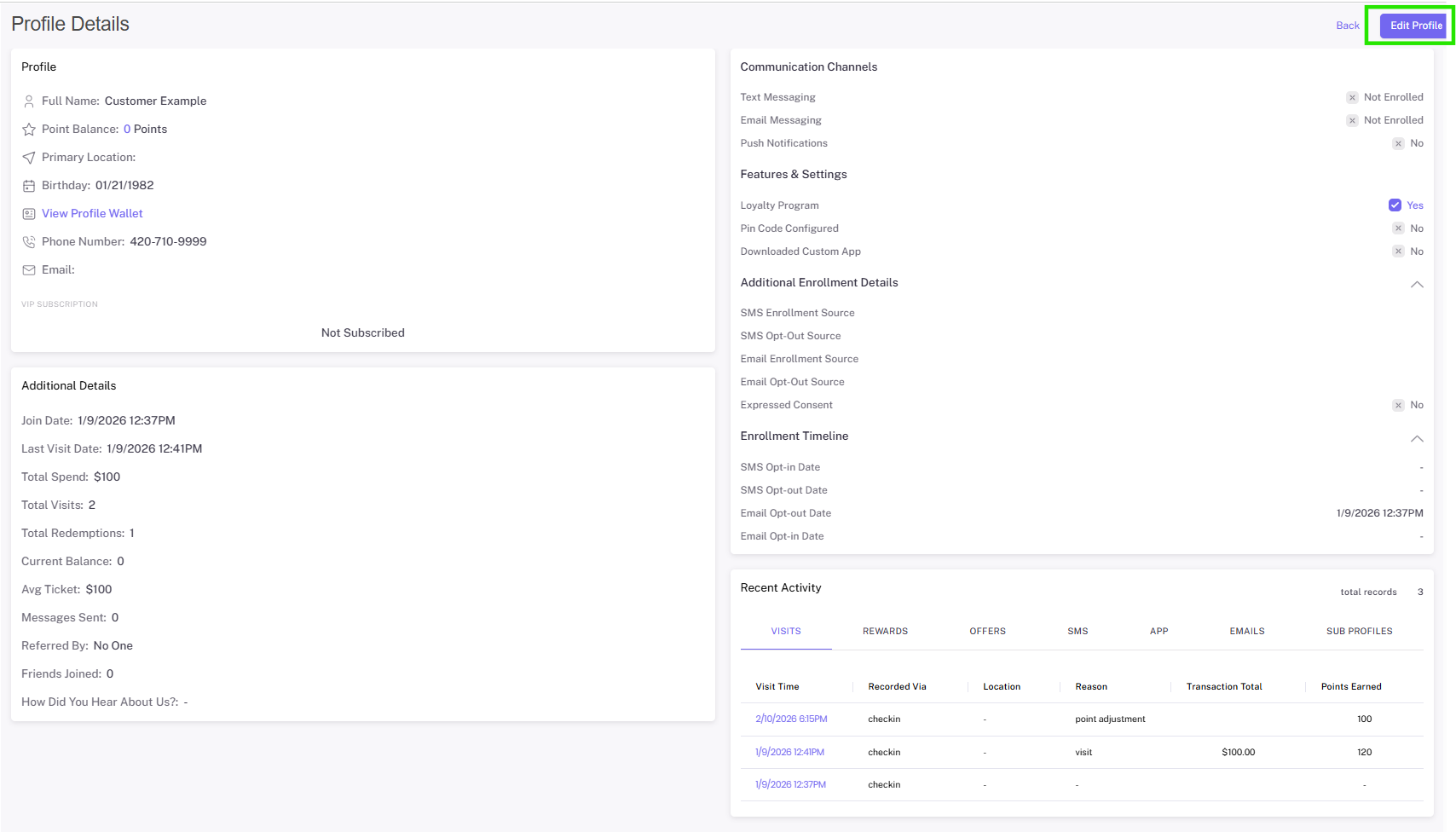
Accessing Customer Profiles
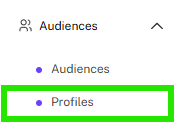
View your customer profiles by navigating to the “Audiences” tab and selecting “Profiles.”

Searching Customers
Search your member database by name, phone number or email. You can also utilize the filters to search by interest, location, and custom group.
Tip: Use phone number as a best practice because you might have members with the same name, however a phone number or email is a unique identifier.

Once you find the member you’re searching for, select “view” to access their profile.

In the customer profile, you are able to select tabs associated with seeing visit history, reward redemptions, offer redemptions, text or email communication history, and profile changes.
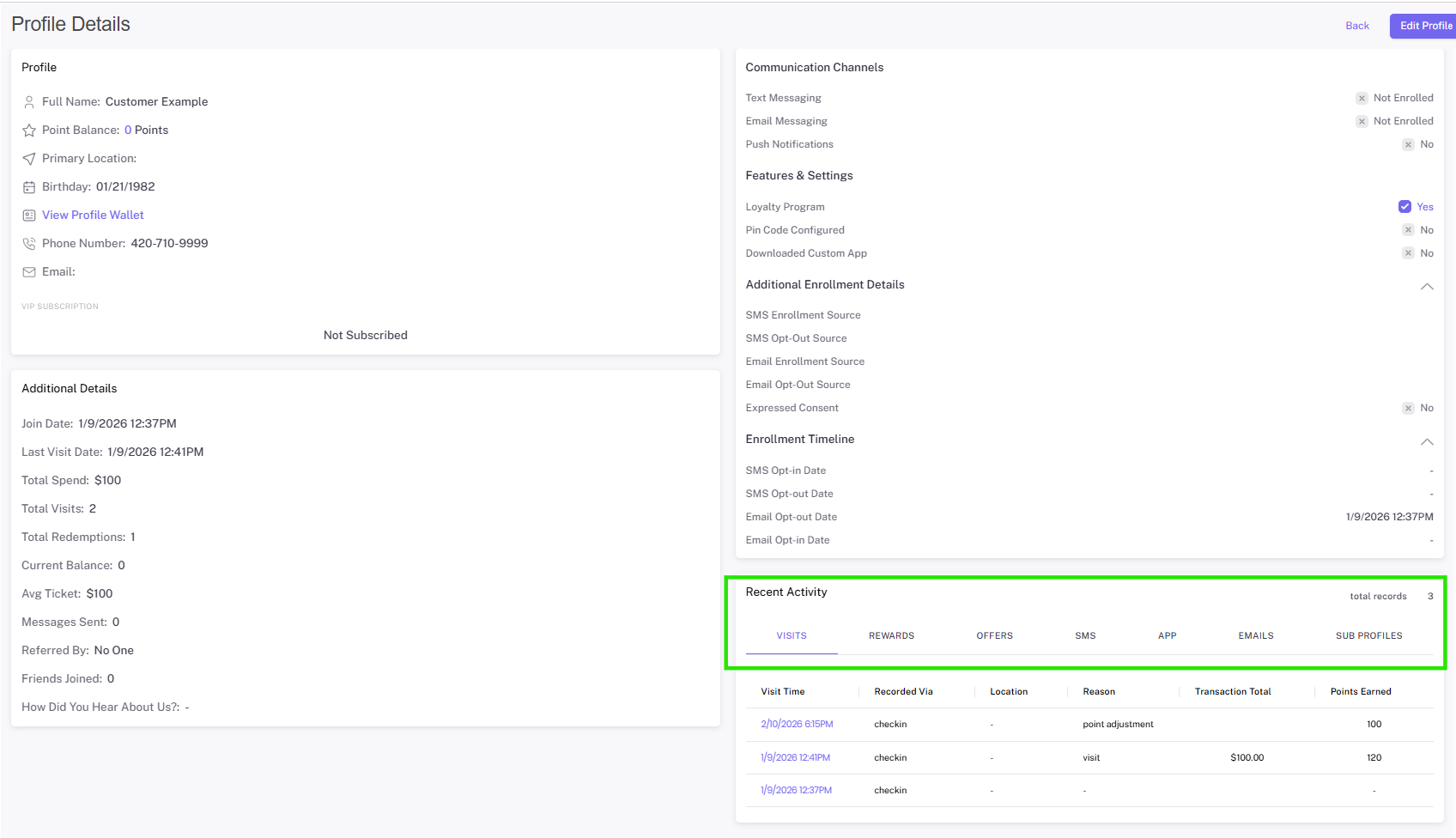
In each customer profile, there is also a link to their wallet. If you ever need to access the member’s wallet and assist them in redeeming, you can utilize this link.

You will also find the customer edit function here. Please note, editing customers’ profiles should always be done in the POS: updating the member’s profile in the POS and then completing a transaction will update that member’s profile in Springbig.