Reminder Automations are designed to help your customers stay on top of important expirations that could impact their experience with your brand. Whether it’s a reminder to redeem points before they expire or to renew a medical card, these automated messages ensure that your customers are informed and prepared at critical moments.
With Reminder Automations, you can proactively engage your customers by delivering timely, personalized outreach that keeps them connected to your store and prevents lapses in their benefits.
If you’re interested in learning more about other Automations, such as Core Communication, Desired Action Taken, or Customer Milestone Reached, click below to discover how they can enhance your customer engagement strategy.
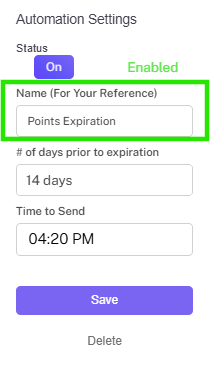
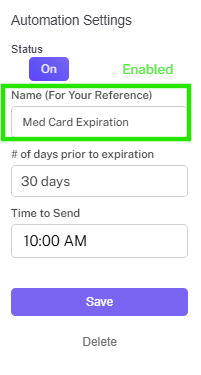
Step 2. Name your automation (this name is for internal reference only).
SET CADENCE
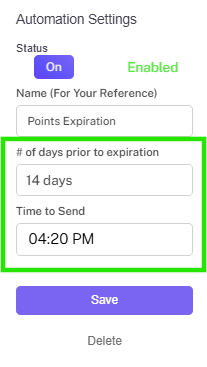
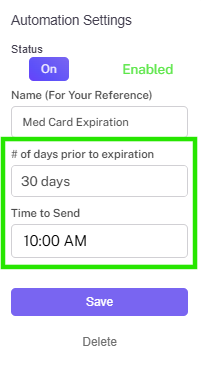
Step 3. Set number of days prior to expiration that the message should be sent on.
Step 4. Set the time to send the message.
Create message
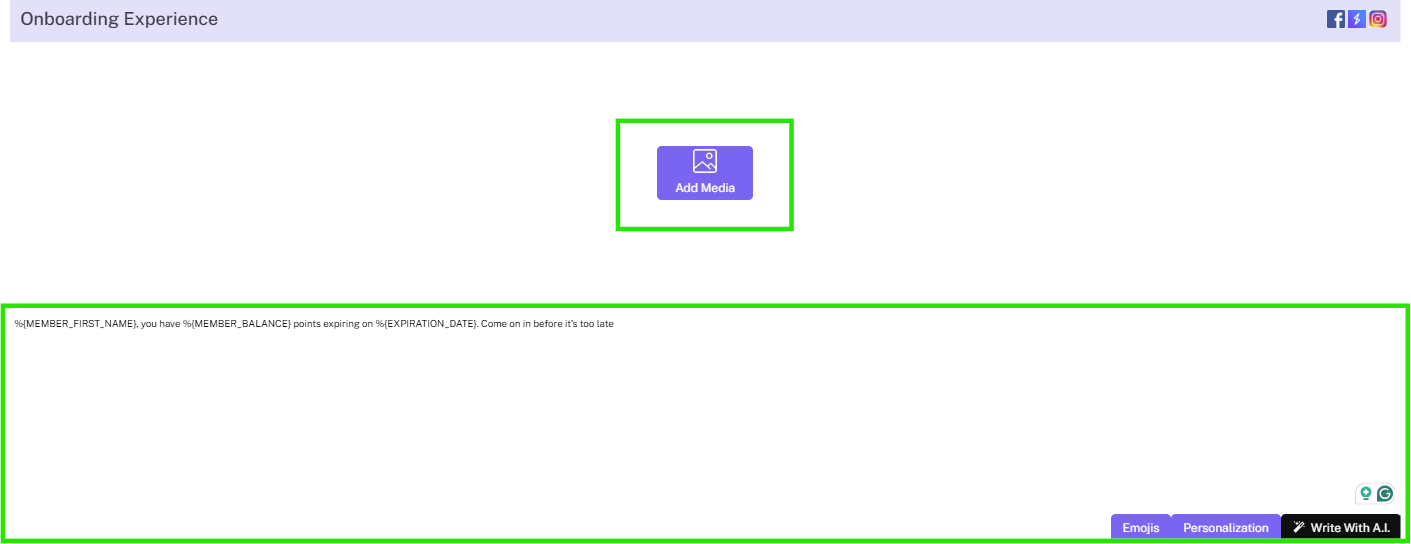
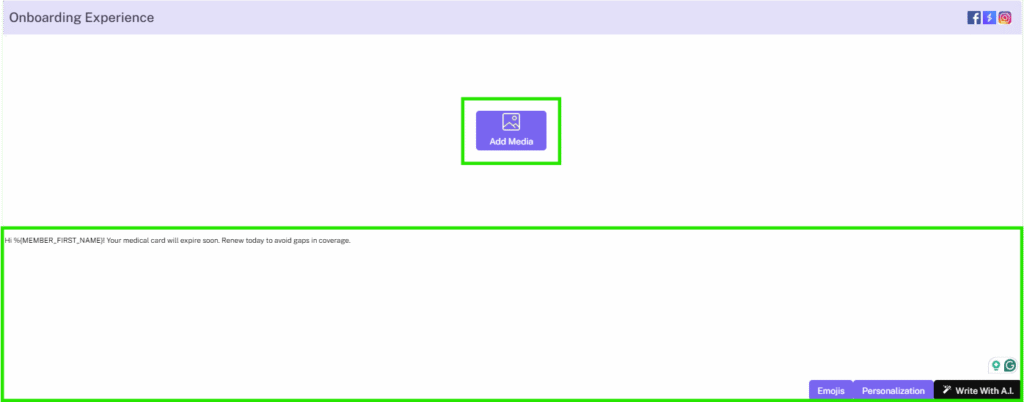
Step 5. Set up stashboard content with text as well as stashboard images, emojis, and/or value substitutions.
Step 6. Select a SMS notification message and (if desired) a MMS notification image.
Add extension & enable
Step 7. Set up an extension to add an offer or link.
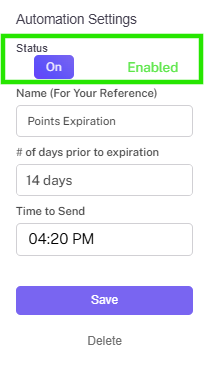
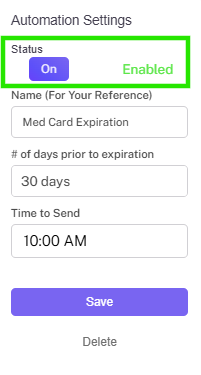
Step 8.Remember to toggle the automation to enabled when you are ready to go!
MEDICAL CARD EXPIRATION AUTOMATION
REMIND YOUR CUSTOMERS TO RENEW
The Med Card Expiration Automation allows you to automatically send a message to members reminding them that their medical marijuana card is about to expire.
Tips:
Med Card Expiration date is only shared from the POS to Springbig for the below POS’s
Alleaves
Cannapoint
Cova
Greenbits
Hubspot
IHeartJane
Indicaonline
JanePOS
Leaflogix
MJFreeway
Nuggmd
Odoo
POSaBit
TechPOS
THSuite
Treez
CREATING A MEDICAL CARD EXPIRATION AUTOMATION
SELECT AND NAME
Step 1. Select Visit Milestone.
Step 2. Name your automation (this name is for internal reference only).
SET CADENCE
Step 3. Set number of days prior to expiration that the message should be sent on.
Step 4. Set the time to send the message.
CREATE MESSAGE
Step 5. Set up stashboard content with text as well as stashboard images, emojis, and/or value substitutions.
Step 6. Select a SMS notification message and (if desired) a MMS notification image.
ADD EXTENSION & ENABLE
Step 7. Set up an extension to add an offer.
Step 8. Remember to toggle the automation to enabled when you are ready to go!
FOR MORE INFORMATION AROUND BUILDING A CUSTOMER JOURNEY WITH AUTOMATIONS, CLICK BELOW!