Welcome to the Springbig + Buddi Ecomm Integration Guide!
In this course you will learn about:
The Buddi installation process
Configuring rewards
Processing transactions
Member creation
Processing refunds
Please note: For Cova merchants, it is required to have the 2-way webhooks enabled.
Let’s get started!
User interface is subject to change at the discretion of your POS provider. For the most accurate and up-to-date information, please consult your POS provider directly.
Part 1: Installation
Buddi eComm Installation:
Please reach out to your onboarding specialist/customer success manager regarding issuing auth token(s). Ensure with Buddi the integration has been enabled. Insert separate auth token per location.
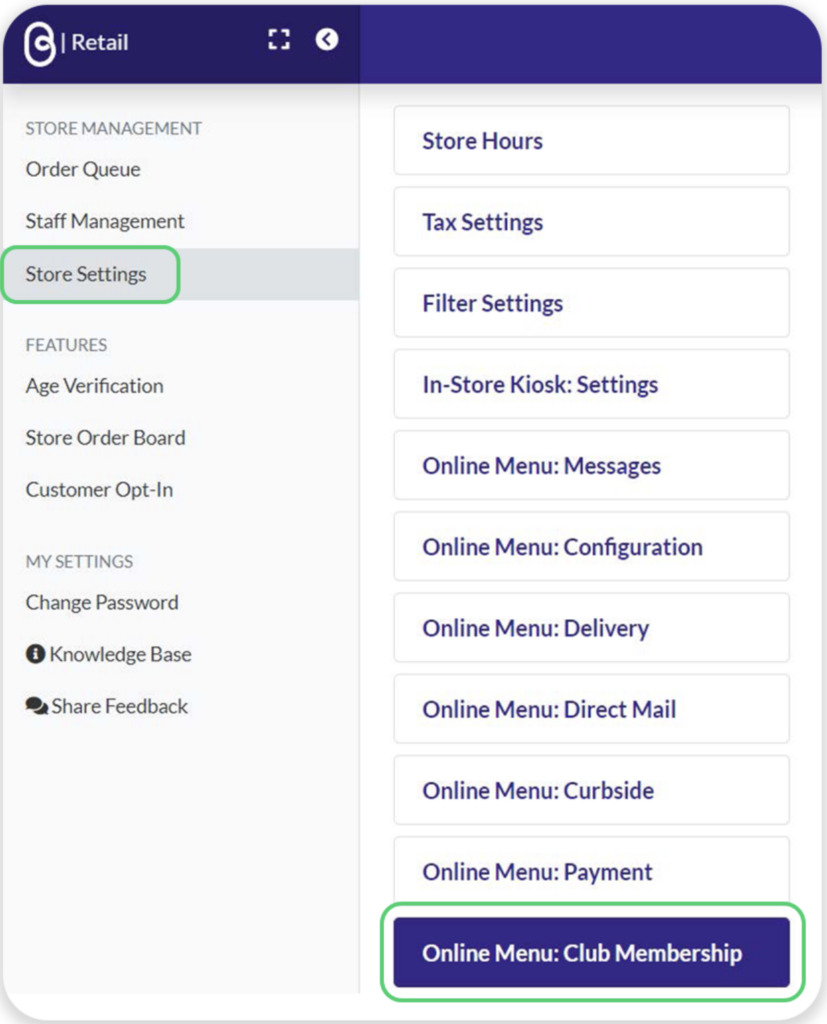
Navigate to the admin portal
On the left-hand menu, click Store Settings
Click Online Menu: Club Membership
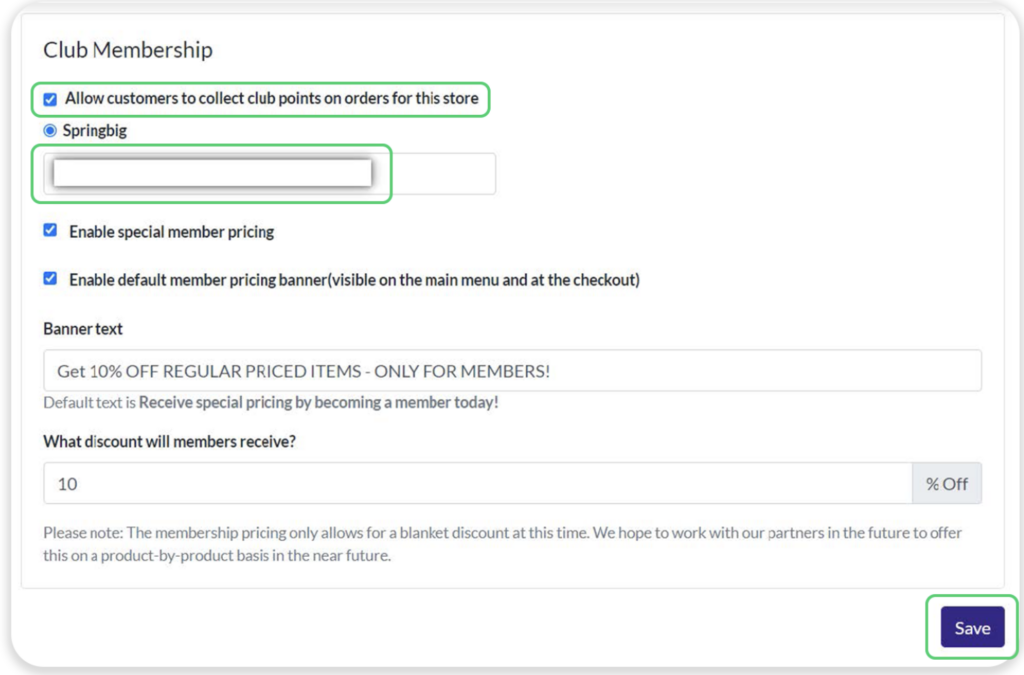
4. Enable Allow customers to collect club points on orders for this store
5. Input auth token into Springbig field
Tips:
Ensure no edits such as spaces
Insert separate auth token per location
6. Click Save
Buddi eComm Integration Guide
Part 2: Rewards
Rewards only need to be set up in Springbig, not Buddi.
Navigate to the Springbig main menu, click settings, then rewards/offers
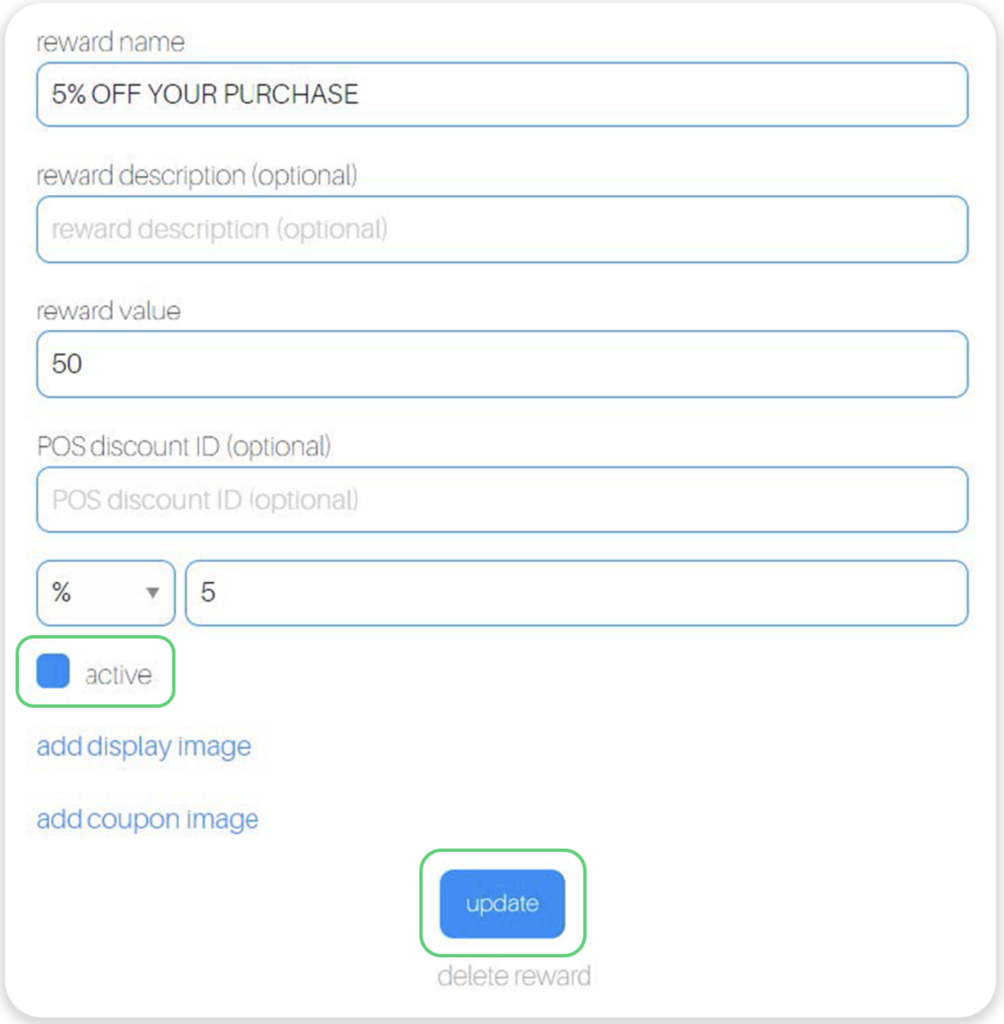
2. Buddi will retrieve these following attributes
Reward name
POS reward value
POS reward type.
Note: only percentage discount is accepted, not dollar discount
POS discount amount
3. Click the Active checkbox
4. Click update
Part 3: Transaction Process
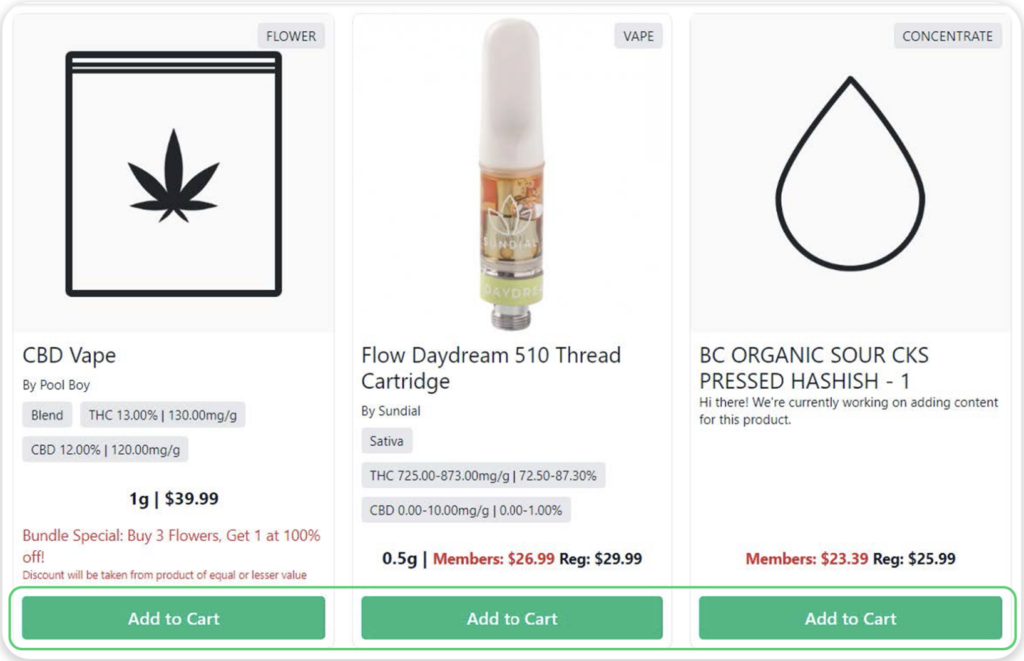
Navigate to the Buddi online menu
Add item(s) to the cart
3. Click the cart icon on the top right to complete the order
4. Click either:
Guest checkout
Note: Customer data still sends to Springbig
Sign up
Join the Buddi membership. Note: this does not create a Springbig profile
Sign in
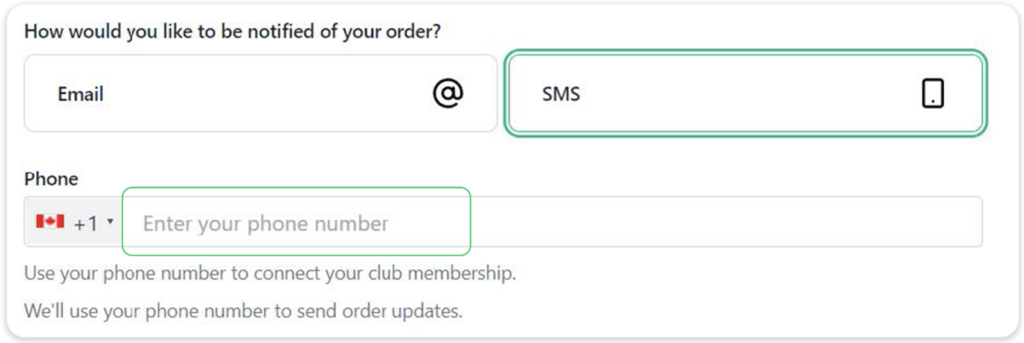
5. Enter phone number (required) to join/access Springbig loyalty
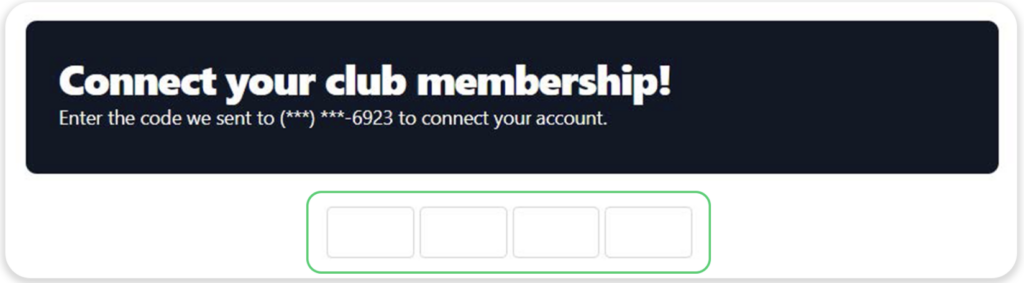
6. Input pin code (required on every order)
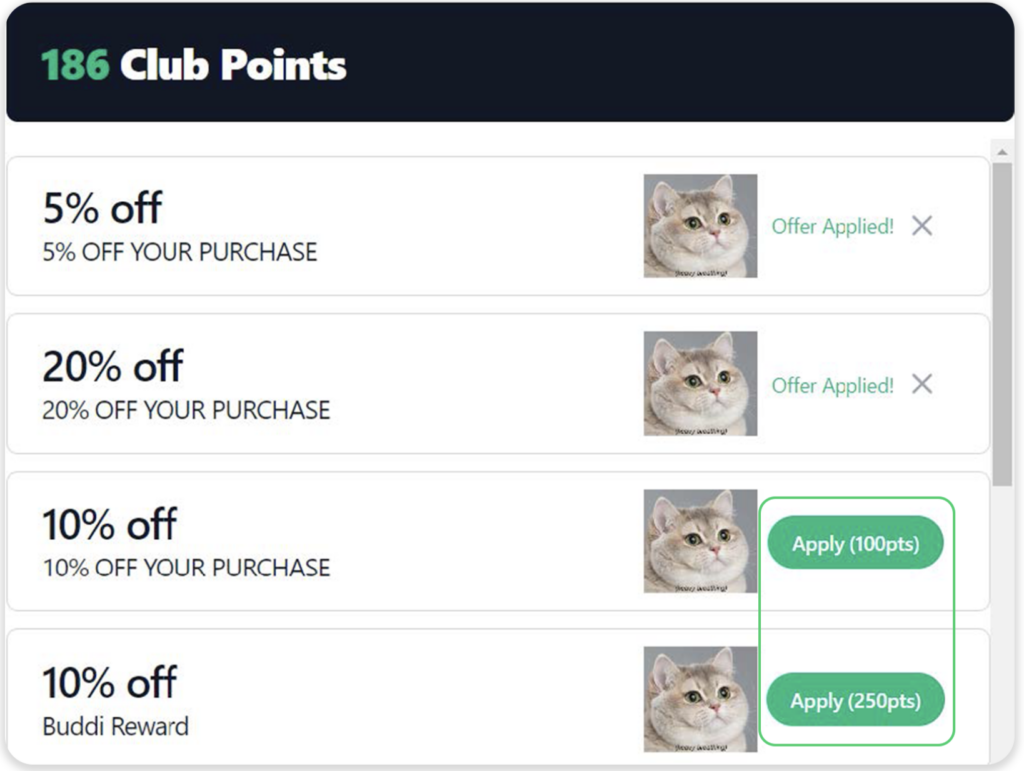
7. Click Apply for desired reward. Can redeem multiple rewards at a time
8. Note:
Redemptions are processed via Buddi, not the POS
Offers are not redeemable, only rewards
Part 4: Member Creation
Repeat steps 1-4 from the Transaction Process
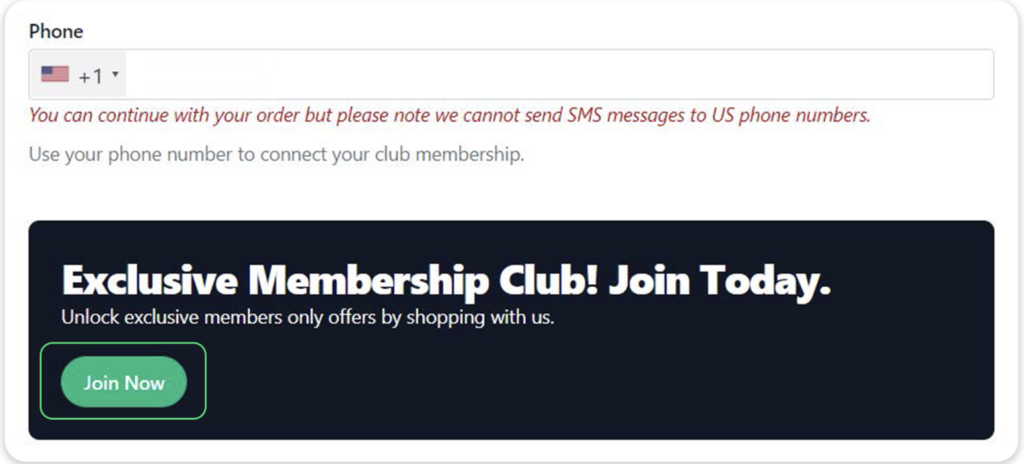
At the checkout, enter phone number to join Springbig loyalty
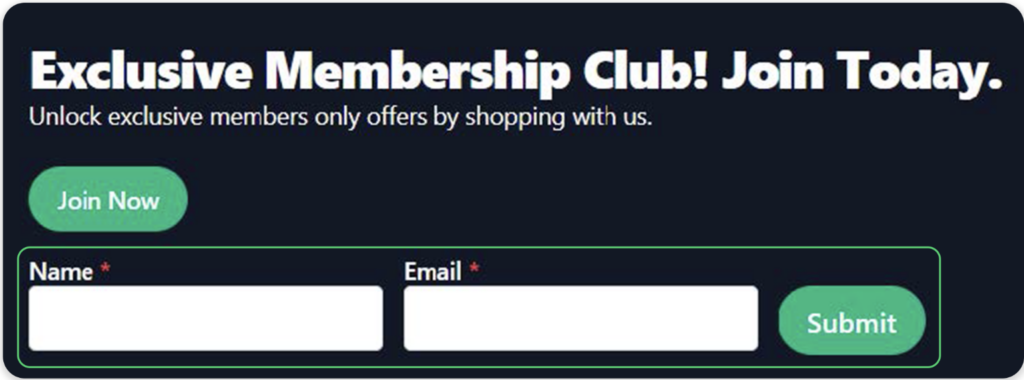
Click Join Now
4. Enter name and email (both are required)
5. Click Submit
Note: Buddi profile sends immediately upon creation
6. Attributes sent to Springbig:
First name
Last name
Email
Phone number
Signature
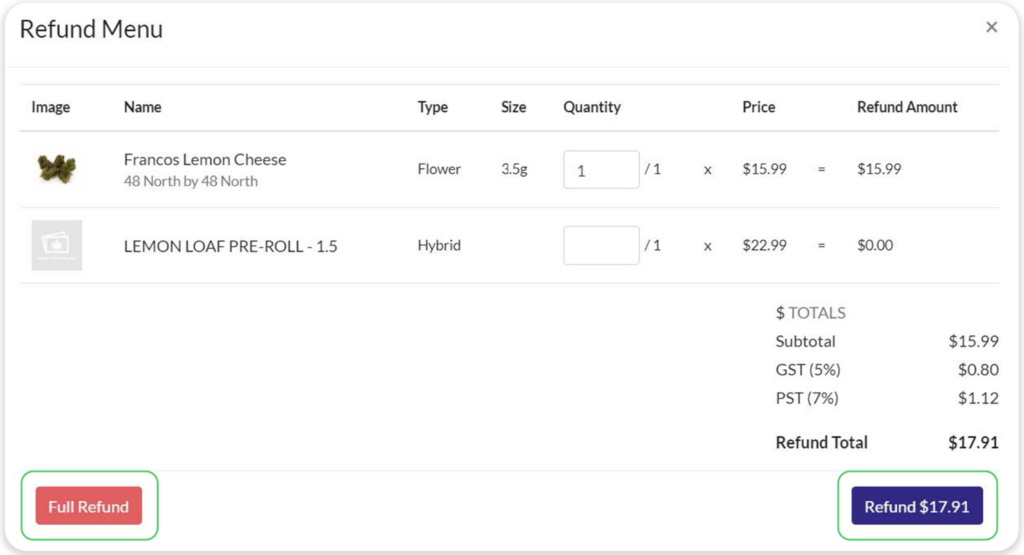
Part 5: Refund Process
Navigate to the admin portal
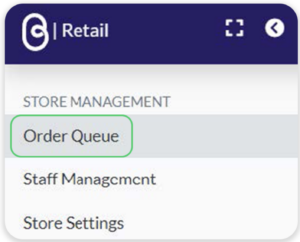
On the left-hand menu, click Order Queue
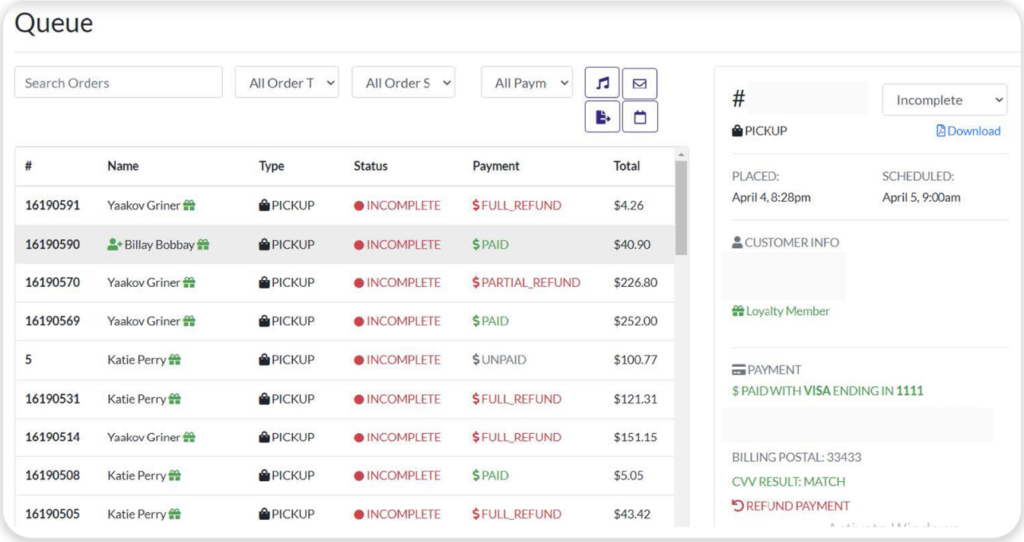
3. Select desired order
NOTE: Payment must be completed via the POS to perform a refund
4. Enter entire quantity amount and click Full Refund
Note: Performing partial refunds with or without a redemption won’t be respected in specific to the Springbig integration since points may accrue higher than the original points balance prior to the order.