
SPRINGBIG'S TABLET & API SETTINGS

STREAMLINE CUSTOMER ENGAGEMENT WITH Integrations

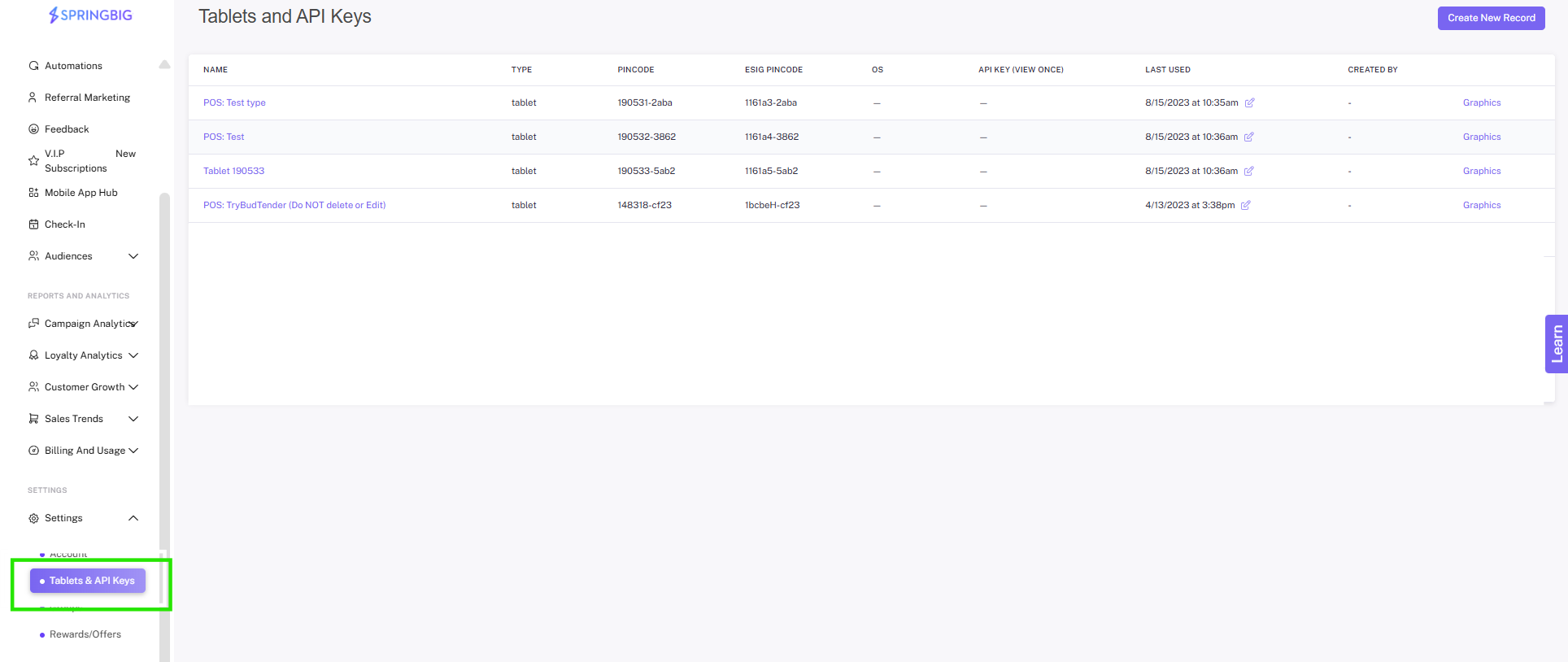
The Tablet & API section is used to set up integrations (no need to view / edit integration specific tablets).

After this section, you should be able to:

  • Understand the main functions of this section
  • Know how to setup a Springbig API if needed
  • Recognize that you should never edit or remove an existing Tablet

TABLET & API SETTINGS

Important: We provide you the ability to create an API within the platform but it is important to note, depending on the integration type, multiple API’s may need to be generated and ALL integrations, including new locations need to be communicated to your Springbig team to ensure proper and complete setup. 


Integrations are set up in the tablet & API section. These tablets will be set up and labeled by our
integration team with ‘(do not edit/delete)’. These settings should never be viewed / edited by merchants and act as end points for the integration.

Users with the proper permission settings will have the ability to create an API Key in this section. The API will only be revealed once.
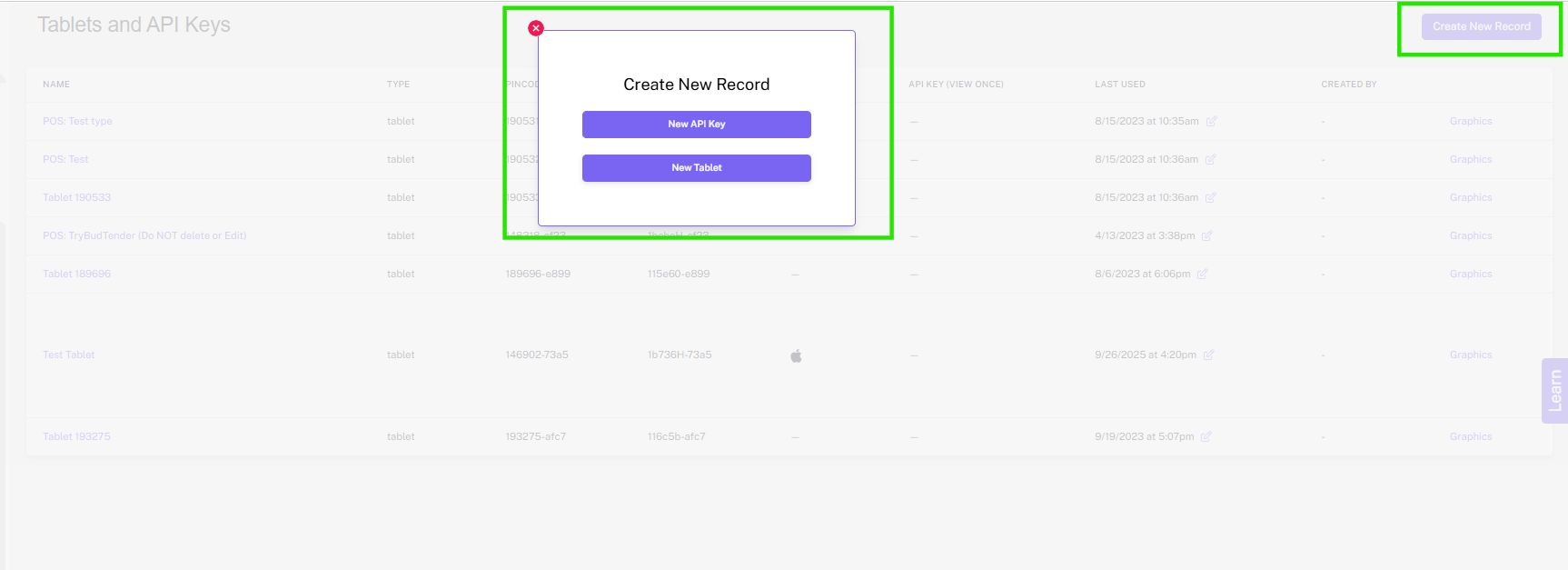
Please be sure to consult with your Springbig team before creating an API as configuration and validation will be completed by our team.