Welcome to the Springbig + StrainBrain Integration Guide!
In this course you will learn about:
The StrainBrain installation process
Member creation in StrainBrain
Viewing point balances in StrainBrain
Let’s get started!
Springbig + StrainBrain Integration Guide
User interface is subject to change at the discretion of your POS provider. For the most accurate and up-to-date information, please consult your POS provider directly.
Onboarding
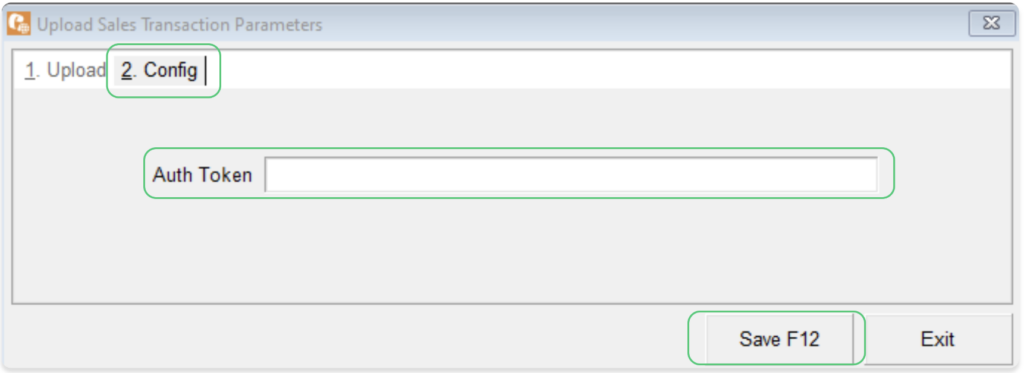
Please reach out to your onboarding specialist/customer success manager to issue an auth token. Springbig will send the auth token to StrainBrain for their team to complete the integration.
StrainBrain Experience:
Step 1: Navigate to the StrainBrain plugin on the bottom right of the page.
Step 2: Proceed with getting a recommendation.
Step 3: On the loyalty popup, fill in the phone number and click Loyalty sign up for new members.
Step 4: Fill in the first and last name.
Step 5: Click Sign up, which will issue the points for signing up and getting a recommendation.
Note: On your StrainBrain dashboard’s Loyalty tab, confirm how many points to issue when signing up and getting a recommendation.
Step 6: When getting another recommendation for existing members after signing up, click Get Points.
Note: Keep in mind getting a recommendation will only issue points once per calendar day.
Step 7: Upon signup, StrainBrain will send to Springbig:
a. First name
b. Last name
c. Phone number
d. Pos user
e. Signature
f. Recommendation and signup custom groups tagged.