SPRINGBIG'S OPT IN/ OUT TRAINING
EMPOWER CUSTOMERS TO CONTROL THEIR MESSAGING PREFERENCES
Customers have the ability to easily opt in or out of receiving messages from Springbig merchants. This page outlines the simple process for customers to control their messaging preferences, ensuring they receive the communication they want while respecting their privacy. Whether they want to unsubscribe temporarily or rejoin your messaging list, this guide will walk you through the steps to manage their preferences effectively.
SPRINGBIG'S OPT IN/OUT PROCESS
Opting in to receive text messages, email, or even to earn loyalty points are all available settings Springbig offers. Depending on your Springbig settings, your customers might be required to opt in to receive messages which makes opt-in training a critical step for your team.
Members can choose to opt in or out of receiving communications from the Springbig system through various methods. While the primary way to opt out of receiving text messages is by replying “STOP” to any sent message, there are multiple channels available for managing these preferences.
If a customer decides to opt out, they retain the ability to opt back in at any time in the future. This article provides an overview of all the ways customers can opt out and opt back into the Springbig system.
Opt out channels:
- Replying with opt out verbiage to a text
- Opting out via the customer wallet/app
- Manually opted out via the Springbig Support team
Springbig’s Accepted Opt Out Verbiage: “stop”, “cancel”, “end”, “stopall”, “unsubscribe”, “quit”, “wrong”, “capabilities”
Springbig also performs manual opt-outs three times a week. During this process, the support team reviews all inbound messages for variations of opt-out keywords, including those with misspellings, as well as any inappropriate or hateful language. If any inbound messages meet these criteria, the support team will opt the customer out of receiving messages from that merchant account.
Example manual opt out: “Please don’t text me I am 10”, “Who is this?”, “**** you”
When a customer replies to messages with any of the accepted opt out verbiage, the system will automatically opt them out from receiving communications through that channel, for that merchant account. If the Support team manually opts the customer out, they will opt the customer out in the same fashion.
Once a customer opts out of a dispensary’s texting or emailing program, they will no longer receive communications from that store via the specified method. For example, if a customer opts out of receiving text messages but remains opted in for email communication, the system will continue to send emails but not text messages from that account.
If a customer wishes to opt back in, they can do so through the following channels.
Opt in channels:
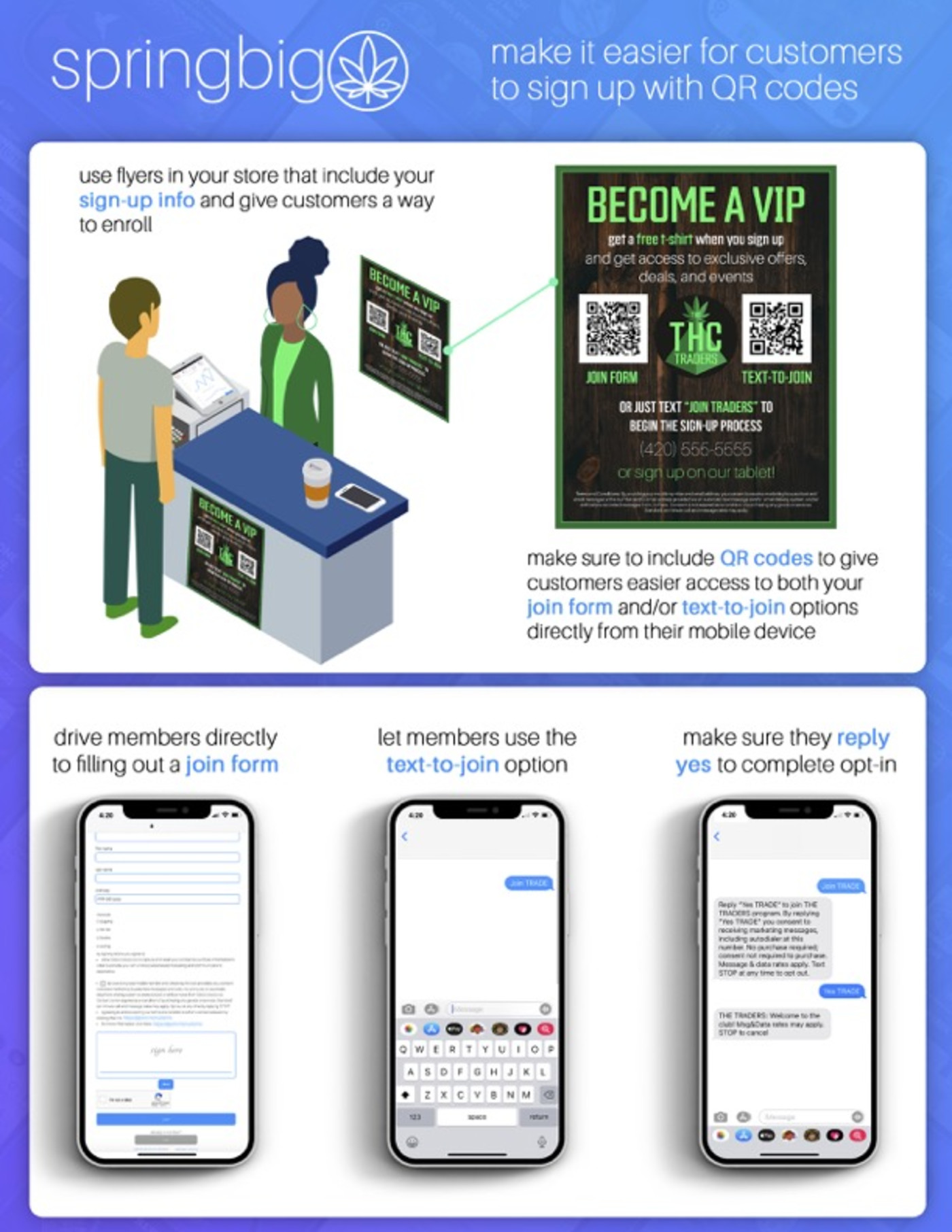
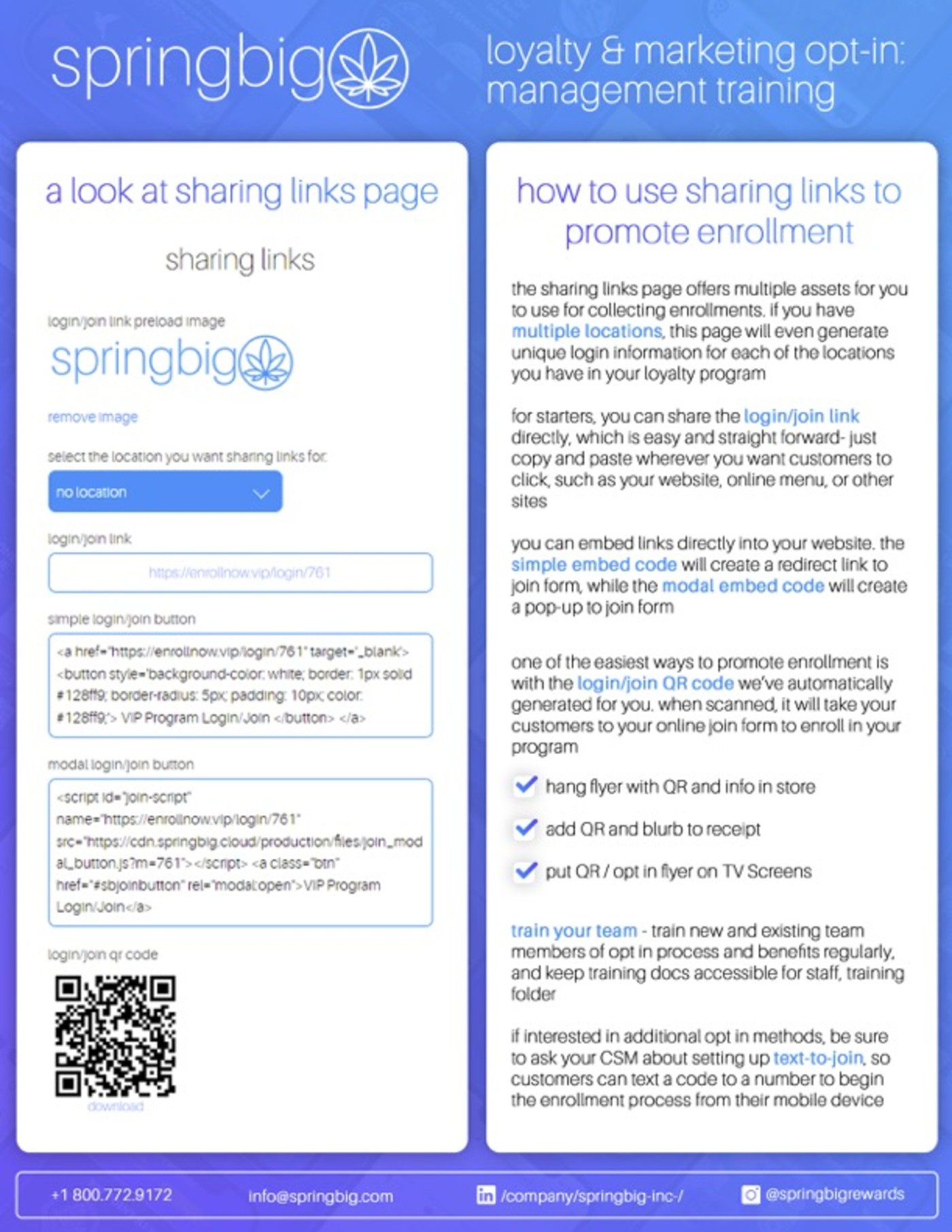
- Join form/login link
- Manually opted in via the wallet/app
- Text to join process
- Manual import
OPT-IN TRAINING
Check out this video about opt-in training.
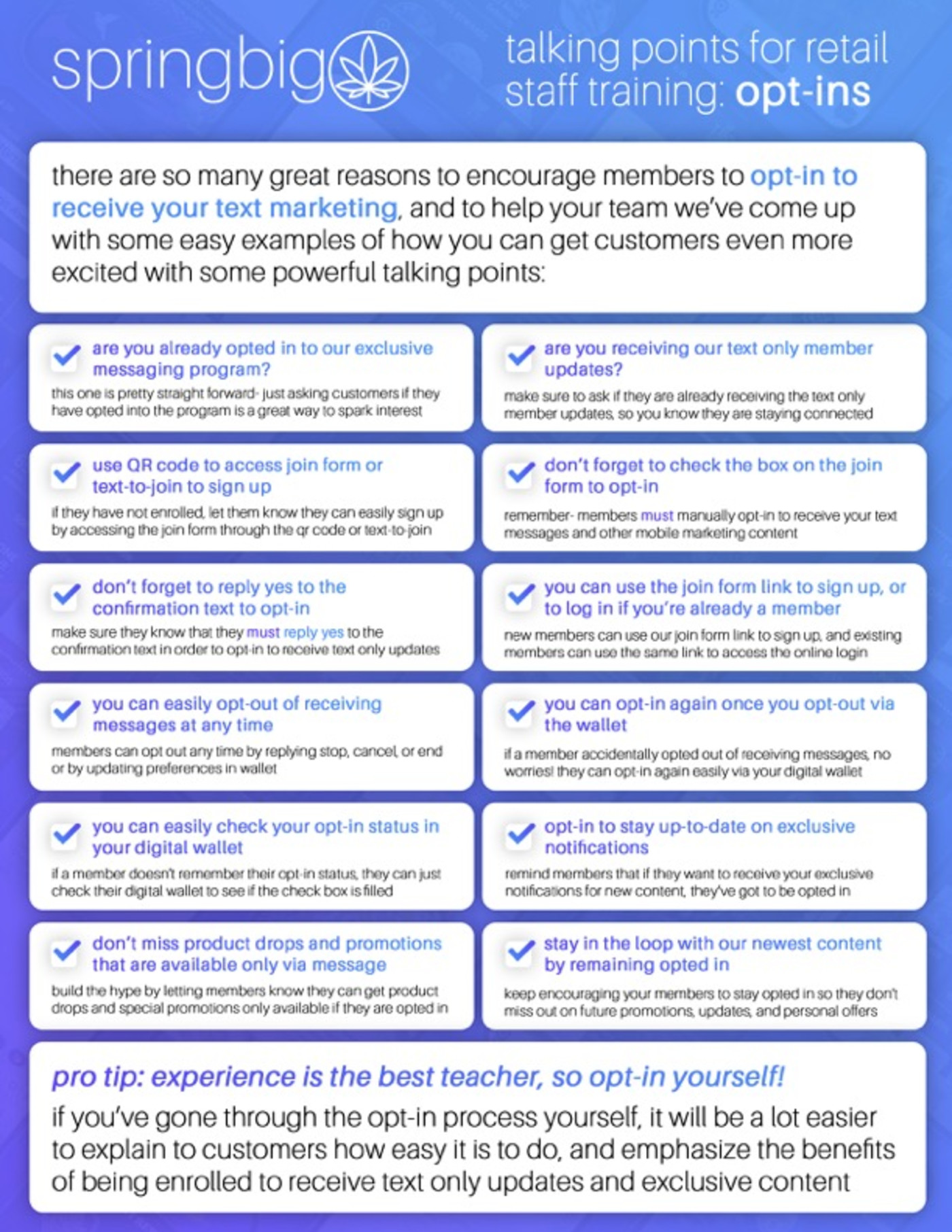
Check out these Opt-in training guides and talking points for the team and managers.